Activity
Mon
Wed
Fri
Sun
Oct
Nov
Dec
Jan
Feb
Mar
Apr
May
Jun
Jul
Aug
Sep
What is this?
Less
More
AI SEO | Rank & Rent Lead Gen
5.8k members • Free
AI Ranking
695 members • $27/month
AI Ranking (FREE)
9.3k members • Free
AI Automation Society
455.9k members • Free
3 contributions to AI Ranking (FREE)

🚀
Aug 2 •
⚡ 40% off the PREMIUM annual, this week only
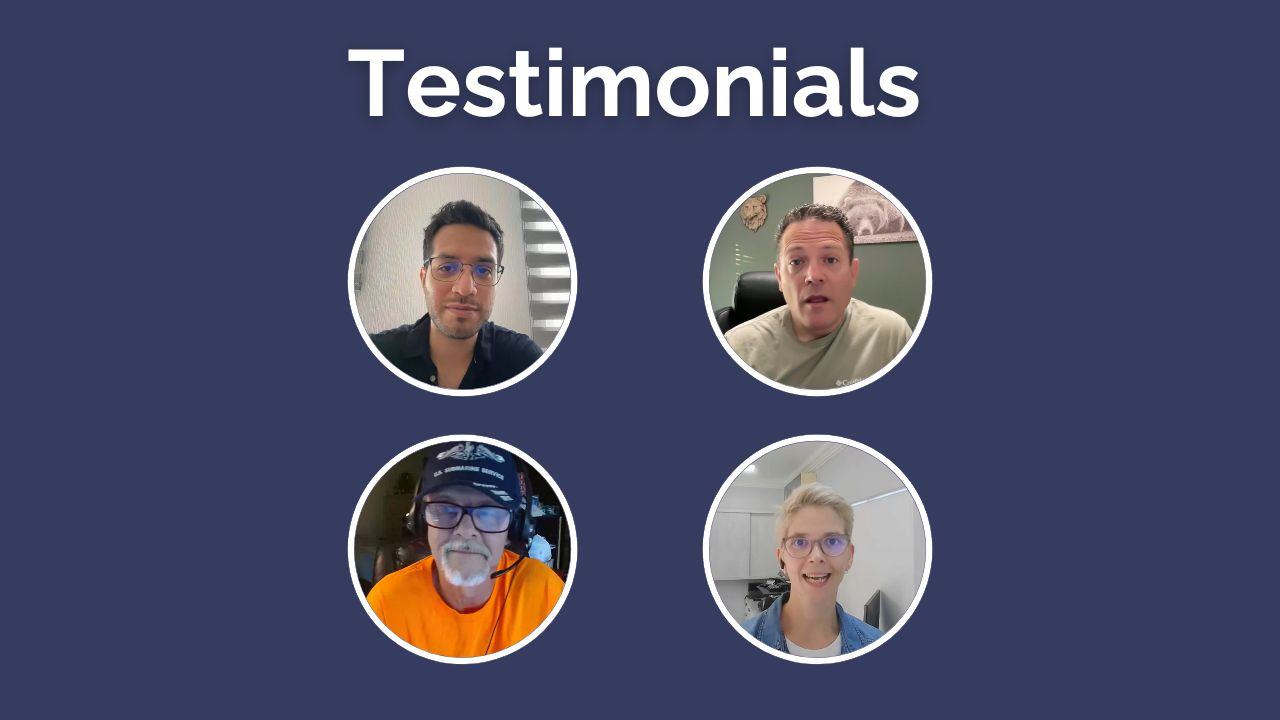
Quick one for the free side. Until Sunday the 9th, the premium annual is 40% off. To be clear: premium only, not the basic plan. - Premium normally: $47/mo, so $564 a year - This week: $336 for the year, or $28/mo $228 back in your pocket. What premium adds over basic Both plans get DataWise and the 7-Day Action Plan. Premium adds: ✅ Weekly live Q&As ✅ Website reviews (submit your site, I record a full audit video) ✅ Premium tutorials, updated weekly ✅ AI workflows for titles, metas, schema, content and local SEO ✅ 1:1 Onboarding Session (To make a custom strategy for you) The website reviews are the one that actually moves people. You can't proofread your own website. Recent wins 🔥 William: 0.3% to 2.3% CTR, 9x clicks, 35x impressions 🔥 Daniel: 119 to 1,200 clicks in 28 days 🔥 Steven: 0 to 100+ booked appointments a month Who should not buy this ❌ If you're not going to do the work. This isn't a magic fix button. The reviews show you what's wrong, you still have to go and change it. ❌ If you won't submit your site for feedback. The people who ask questions win faster than the people who only watch. ❌ If you can't give it 1 to 3 hours a week for at least 3 months. SEO lags. Below that you won't be around long enough to see whether it worked. I don't want this to be another subscription you forget about, that gives you a fake sense of productivity just because you bought it. If that's you, skip it and catch the next one. Need Proof it works: - Premium Member Win 1 - Premium Member Win 2 - Premium Member Win 3 - Premium Member Win 4 More testimonials in the video attached ✌🏼 7-day money back guarantee. Cancel anytime.

2 likes • Aug 4
I'm in! This is a no brainer!
1 like • Aug 8
@Paul Facey I've been 3 days in and learnt so much with the "7 Day SEO Action Plan". I applied everything learnt to a project I'm building. Learning a lot and having so much insight. @Nicolas Gorrono and the Community are there to solve any question if you ever feel stucked. Here is my Affiliate link, in case you want to jump in: https://www.skool.com/ai-ranking/about?ref=fa9b25212e744b769525079a4aa36f5e
🚀
Aug 7 •
The Complete 2026 SEO System (full walkthrough + every file)
New video is up, and it's the big one. 1 hour 20 minutes, start to finish. Most SEO content teaches you one piece. Write content with ChatGPT. Build a site with Claude. Do keyword research. What nobody shows you is how those pieces connect, and that's the part that actually decides whether you rank. So I built the whole thing as one system and recorded it end to end, using a real example: an EV charger installation business in Texas. What's in it: 1. SEO in 2026, and the three myths to kill first 2. Keyword research (transactional, informational, and fan-out queries) 3. Competitor analysis in four checks 4. The two page types: money pages and content pages 5. Planning and publishing the site 6. On-page SEO, five things plus speed 7. Internal linking 8. AI visibility and tracking 9. Backlinks and citations Everything's attached to this post: - The checklist Google Sheet. Every checklist from the video in one place: business brief, keyword map, competitor worksheet, money page checks, content capsule checks, page map, launch checklist, location pages, AI visibility, link tracker. Make a copy and it's yours. - The Business Brief prompt (attached in zip) . Run this first. It pulls the six facts about your business that every later prompt needs. - The Site Structure prompt (attached in zip) . Feeds off the brief and your keyword research, returns a full page map as a CSV. - The content prompt. The one that writes in the content capsule technique, with real sources cited. Two things worth repeating from the video: One page per service. Not one page listing all your services. This is the single most common mistake I see. The two second rule. Two seconds after landing on a money page, someone should know what you do, where you do it, and what to do next. Boring and clear beats clever and vague every time. Watch it at 1.5x if you need to. Then work through it one module at a time.
2 likes • Aug 8
This comes along perfect for a new project! Thanks million!
🚀
Aug 6 •
Build your own AI visibility tracker for 91 cents
I built a custom AI search visibility tracker: a live page on its own shareable link that tracks where a website gets mentioned and cited across ChatGPT and Google AI Overviews. It refreshes whenever you want it to. It cost 91 cents to run. The whole thing is one prompt. It's attached below. Free, no email, nothing to buy. **What you need first** 1. **A ChatGPT subscription with access to Sites.** Sites is the plugin that turns the report into a real hosted page you can send to someone. It's not on the free tier. Chat or Codex mode both work, it genuinely doesn't matter which. 2. **A data source.** I use DataForSEO: https://app.dataforseo.com/?aff=182182. New accounts get **$1 of free credit**, and the report costs 91 cents, so your first one is effectively covered. After that it's pay as you go, so a one time $50 deposit lasts a long time if you're only tracking your own site. SE Ranking works too. You can also connect the Ahrefs or Semrush APIs if you already pay for them, but those get expensive fast and you'd be paying for data you're already renting. 🔌Connecting DataForSEO to ChatGPT🔌 is a two minute job and I've linked the walkthrough video in the description. Once it's connected you can build any custom SEO tool this way, not just this one. 👉🏼How to run it 1. Open a **new conversation** in ChatGPT. 2. Type `@` and pick **Sites**. 3. Attach the MD file and say: *"Please build this for [yourwebsite.com], follow the instructions."* 4. Hit enter and leave it alone for a bit. It may ask you a question or two. The prompt is long, which is why it's a file rather than something to paste inline. If you picked SE Ranking or another dataset instead of DataForSEO, you'll need to edit the API section near the top. **What you get back** A report, styled to the brand colours of whatever site you pointed it at, showing: - Where the site is mentioned and cited across ChatGPT and Google AI Overviews - **Which competitor is getting mentioned instead of you.** It picks that automatically, based on who is actually showing up in the AI answers, then tells you why them and not you.
1 like • Aug 8
This is gold!
1-3 of 3

Active 2d ago
Joined Jul 15, 2026
Powered by