

18d •
Claude Tip for Less Tokens Used
If you have been running Claude and you get the message about usage and limits, here is a quick tip to help. Paste these two sentences into your instructions. They are Anthropic's words and it tells Claude to do less thinking on follow-ups, faster replies, same quality. Under Settings - General - Instructions for Claude: "Once you have answered something, treat that answer as done. On later turns, focus your thinking on what the user is asking now, and don’t go back over an earlier answer unless the user asks about it or points out a problem with it."


Jun 5 •
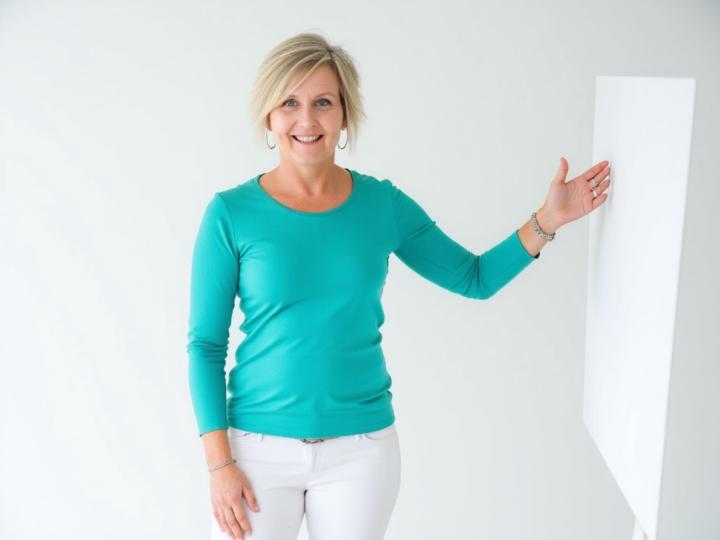
Help with this one.......
This is OK......but feels unnatural and stiff.......any ideas @Lindsay Hack
May 14 •
Some troubleshooting support
PROMPT: To help fix body type Take the body in this photo [your requirements, e.g., slim, chubby, etc., reshape the body into the photos of your needs, such as longer legs, slimmer waist, or more]. Maintain realistic properties, proportions, natural skin texture, the consistent lighting while making the changes. Ensure the final image looks seamless and lifelike without distorting any elements or the background. Photorealism. PROMPT: To change outfits without changing everything Change the color of the outfit from [current] to [target]. 100% preservation of non-clothing elements, face, skin, hair, accessories, and environment. Precise identification of fabric edges. Light interaction; maintain tonal range, highlights, shadows, and texture [denim, silk, cotton]. Wrinkles, and drape remain unchanged. No color bleeding into the skin. Results: photorealistic and undetected. Photorealism.

May 14 •
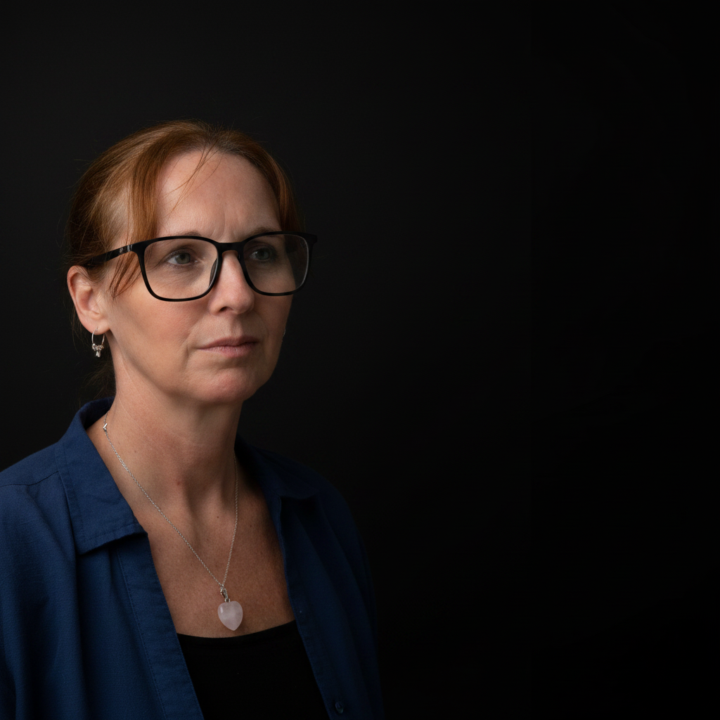
Expression CHANGE Prompt
PROMPT: Change the facial expression of the person in the photo to [desired expression ie. smiling, surprised, laughing, etc]. Keep the person's identity, facial features, and overall lighting intact while making the expression look natural and realistic. Ensure the adjustment blends seamlessly with the original image. Photorealism.
May 14 •
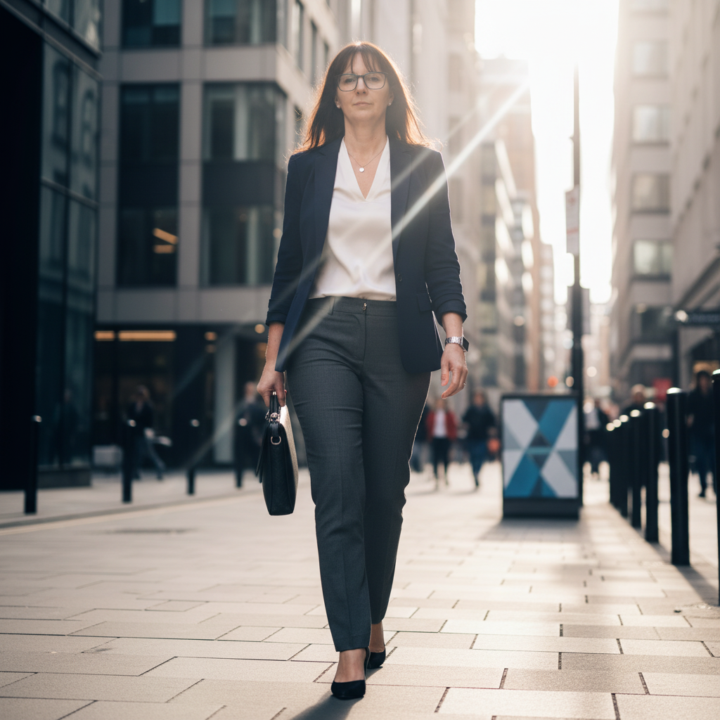
POSE Prompt.
Change the person's pose in the photo to [desired pose, such as sitting cross-legged, arms crossed, walking forward, jumping mid-air, leaning against a wall, looking over your shoulder, hands in pocket, or holding an object]. Keep the person's identity, face, facial features, expression, body portions, proportions, clothing, skin texture, hairstyle, lighting, shadows, camera angles, background, and overall photo style as consistent as possible. Make the new pose look natural, balanced, and anatomically realistic, with the believable limb placement, body weight, posture, clothing folds, contact points, and shadows that match the original scene. Do not distort the face, wrap the body, create extra fingers or limbs, change the person's identity, alter the background, or make the pose look stiff or artificial. The final image should look like a seamless, photorealistic image of the same person naturally captured in the requested pose.
1-30 of 30
Leaderboard (30-day)
1

+17
2
🔥
+9
3
+5
4
+5
5

+4
Powered by